
ShotX
Smart Screenshot, Screen Recording & On-Device OCR for Mac
A studio-grade utility for fast captures, non-destructive canvas styling, 16 signature dynamic gradient backgrounds, and instant on-device text extraction. Engineered with native Swift & AppKit: local processing, zero cloud latency.
Watch ShotX capture any screen area (⇧⌘0), apply dynamic mesh gradients, customize padding & shadow, and export with 1 click.
On-Device Apple Vision OCR
Extract Any Text Instantly.
Encounter text inside an image, locked PDF, presentation video, or tweet? Press ⇧⌘O and drag across the screen. The Apple Neural Engine extracts the characters offline in under 30 milliseconds.
- Universal Multi-Language OCR: Powered by Apple Vision to recognize Latin, East Asian, and global language scripts worldwide with automatic script detection and precision diacritic preservation.
- Zero Cloud Latency: All image analysis executes strictly on-device; zero images are uploaded to any server.
- Dynamic Island HUD: Visual confirmation pill confirms text copy so you can immediately paste with ⌘V.
Demonstration: Extracting unselectable text from a Twitter chart directly into Microsoft Word.
Precision Color Sampling
Pixel-Perfect Color Eyedropper.
Need the exact color value of a UI element or website asset? Activate the color pipette with ⇧⌘C. A pixel-magnifying loupe guides your cursor to the exact pixel coordinate.
- Instant Format Copy: Click to copy hex codes (#00E575) directly to your clipboard.
- Developer & Designer Ready: Compatible with VS Code, Xcode, Figma, and macOS terminal.
- Loupe Magnification: Inspect high-density Retina pixels with pixel grid boundaries.
Demonstration: Sampling CSS variables from the menu bar and pasting hex codes into VS Code.
Smart Privacy & Data Redaction
Automatic On-Device Sensitive Data Masking.
Never accidentally leak credentials, API keys, or financial information in documentation or bug tickets. ShotX detects sensitive information in captured text using on-device pattern matching and algorithmic validation.
- Algorithmic Luhn Validation: Distinguishes actual credit card sequences (13–19 digits) from arbitrary number strings to avoid false positives.
- API Key & Token Detection: Recognizes standard secret patterns including OpenAI (sk-...), GitHub tokens (ghp_...), AWS access keys, and Bearer authorization tokens.
- Network & Contact Masking: Rapidly masks IPv4 addresses and email addresses with one click.
- Non-Destructive Blur & Pixelate: Choose between smooth Gaussian blur, retro pixelation, or opaque color fill rectangles directly from the top editor toolbar.
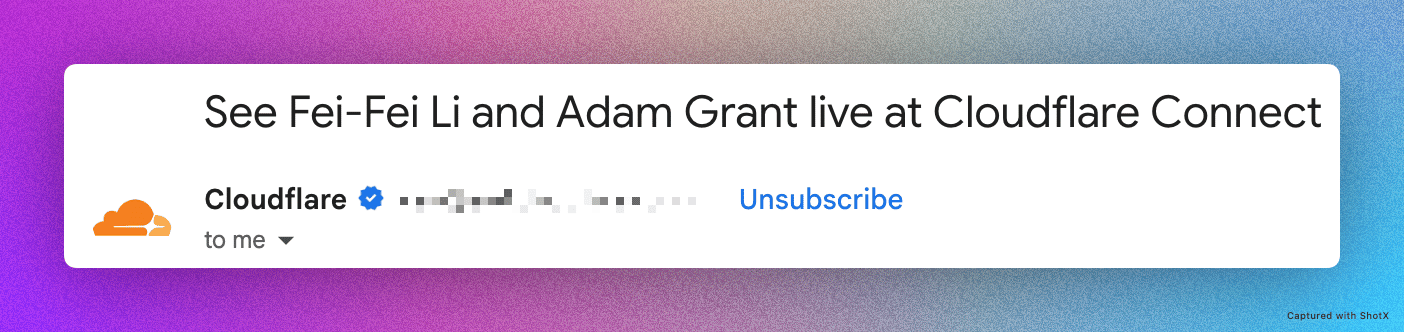
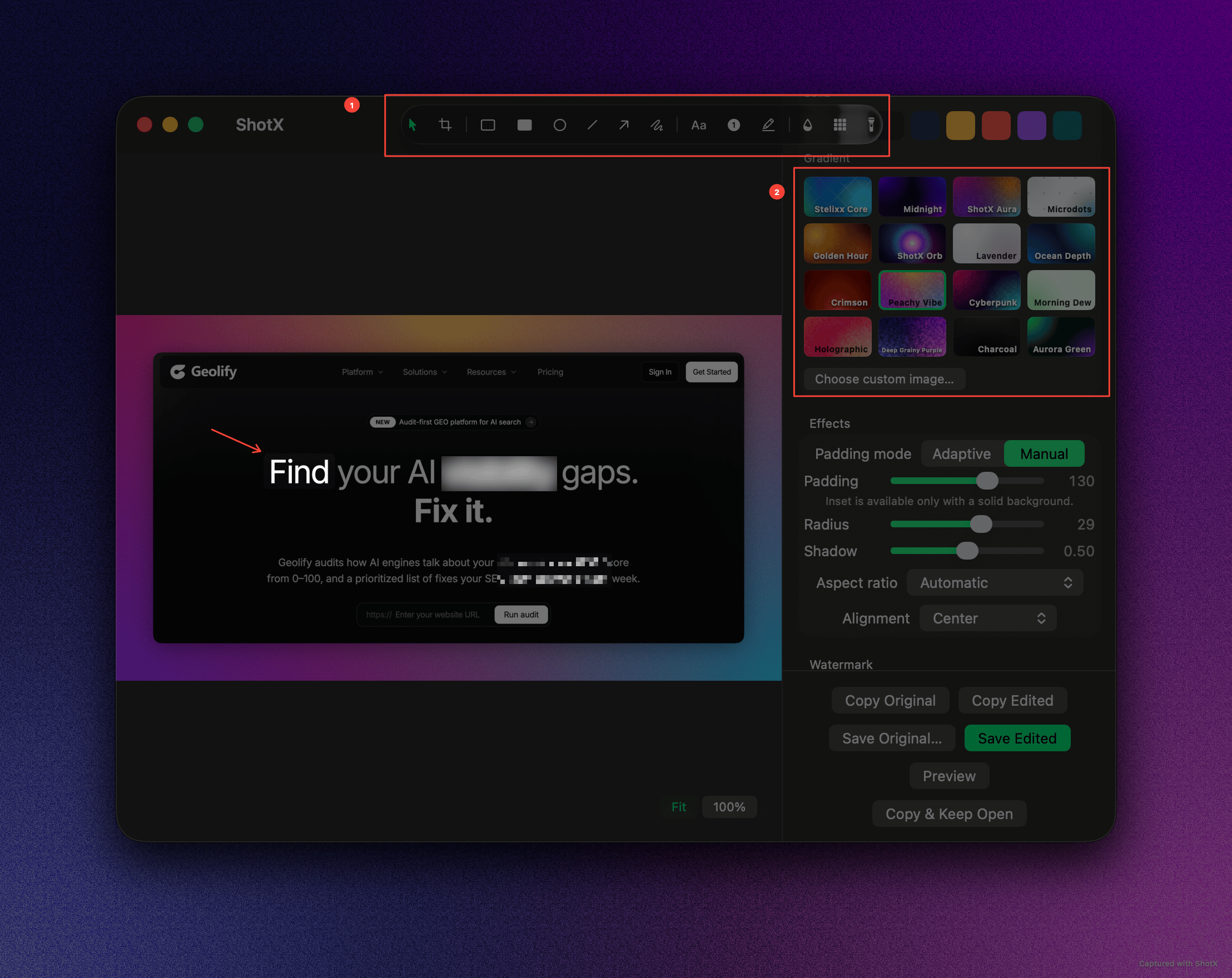
Demonstration: Automatic redaction of sensitive credentials and custom blur/pixelate controls.
Studio-Grade Canvas
Turn Raw Captures into Presentation Graphics.
Raw rectangular screenshots feel unpolished. ShotX automatically wraps your captures in custom aspect ratios, adaptive padding, rounded corners, realistic drop shadows, and delicate film grain textures.
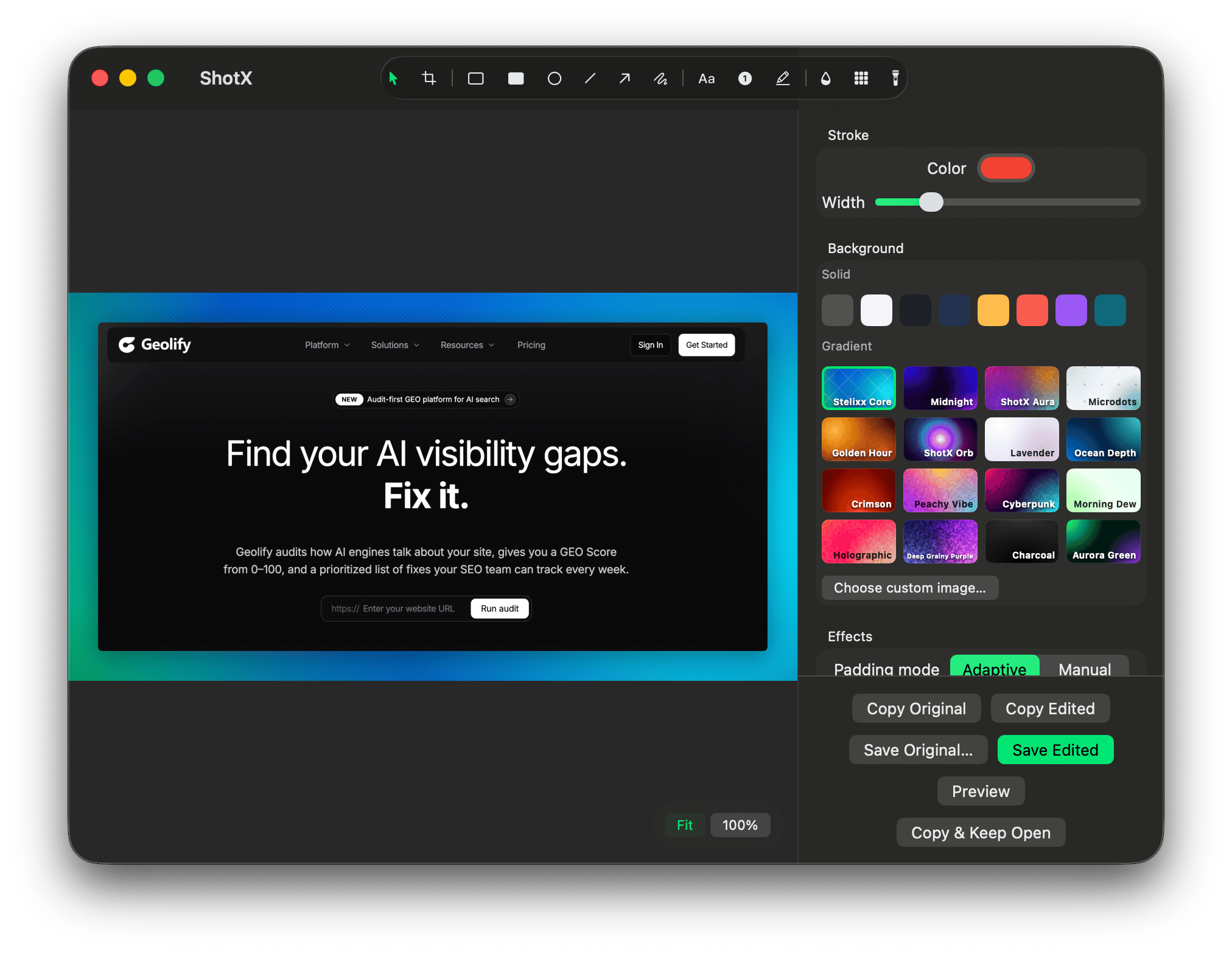
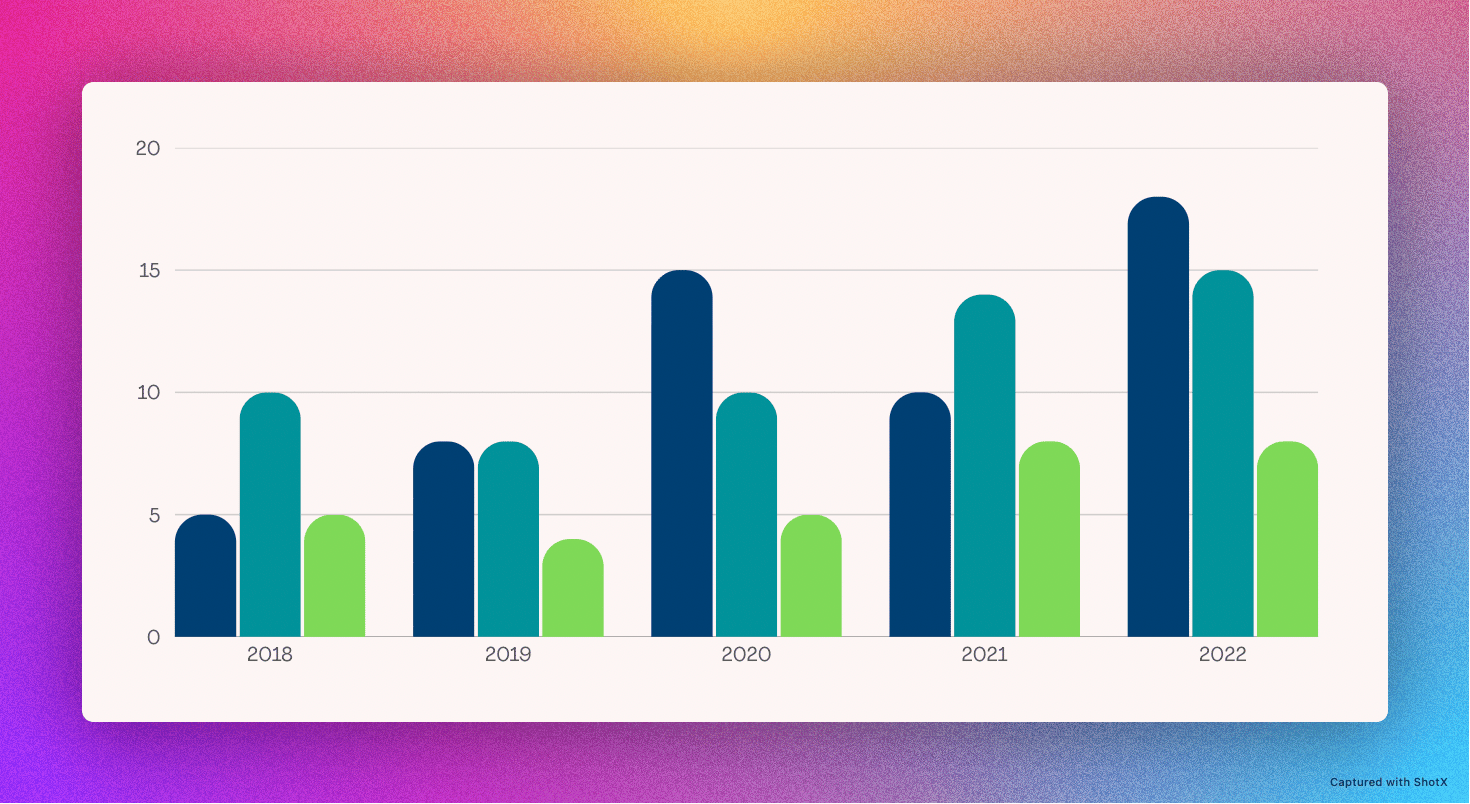
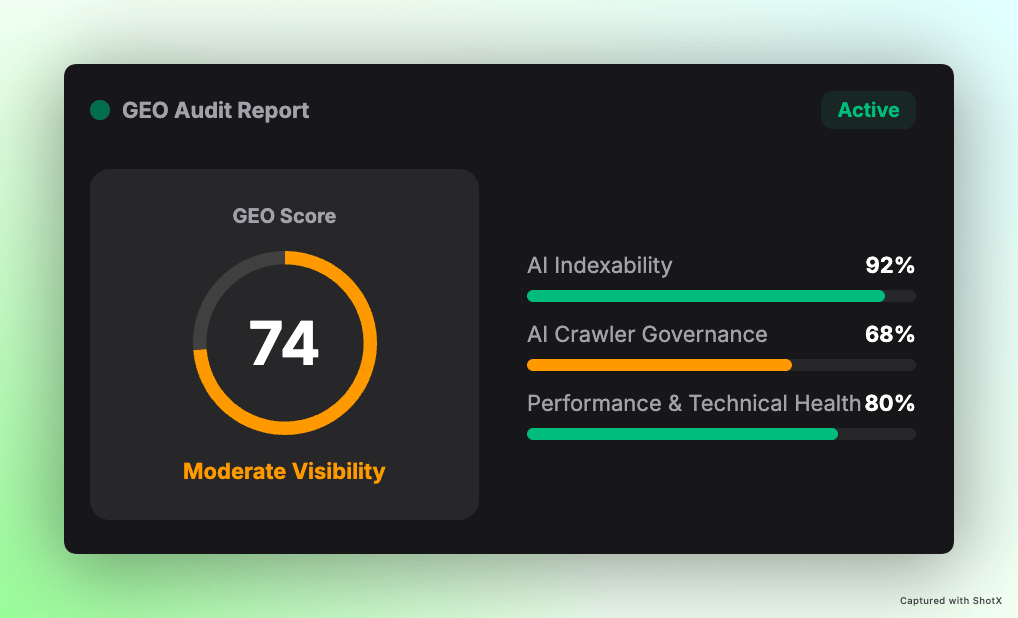
Studio Canvas Palettes
16 Signature Dynamic Gradients
Carefully calibrated for luminance balance against both dark code editors and light web pages.
Native Preferences
Total Local Storage Control & Preferences
Every setting is transparent and stored locally on your Mac. Inspect each preference pane below.
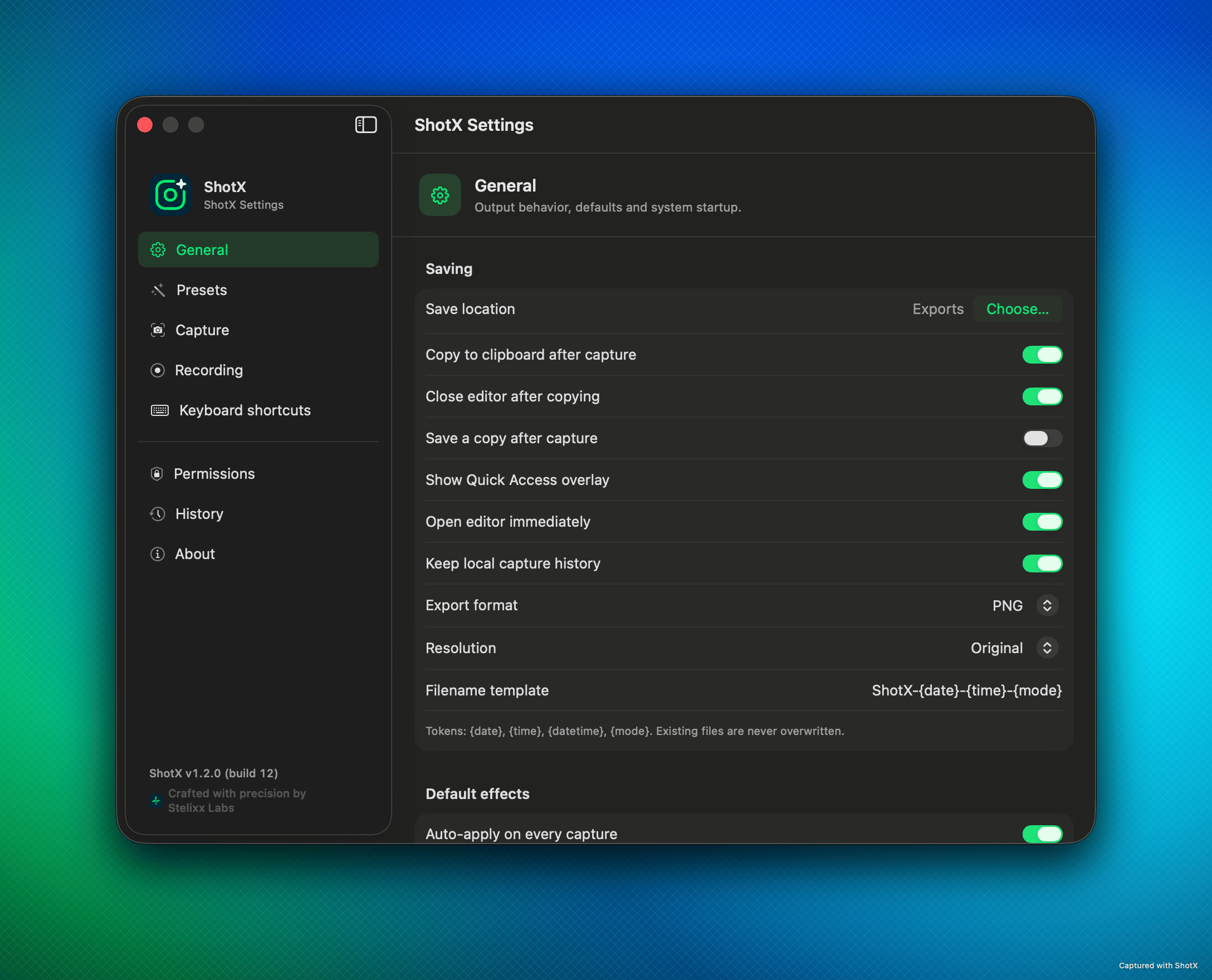
General Preferences
Customizable output behavior, clipboard sync, and dynamic filename tokens
- Auto-copy to clipboard after capture & optional auto-close
- Quick Access floating overlay with immediate action HUD
- Dynamic filename tokens: {date}, {time}, {datetime}, {mode}
- Lossless PNG, JPEG, HEIC (High Efficiency), GIF, and MP4 formats
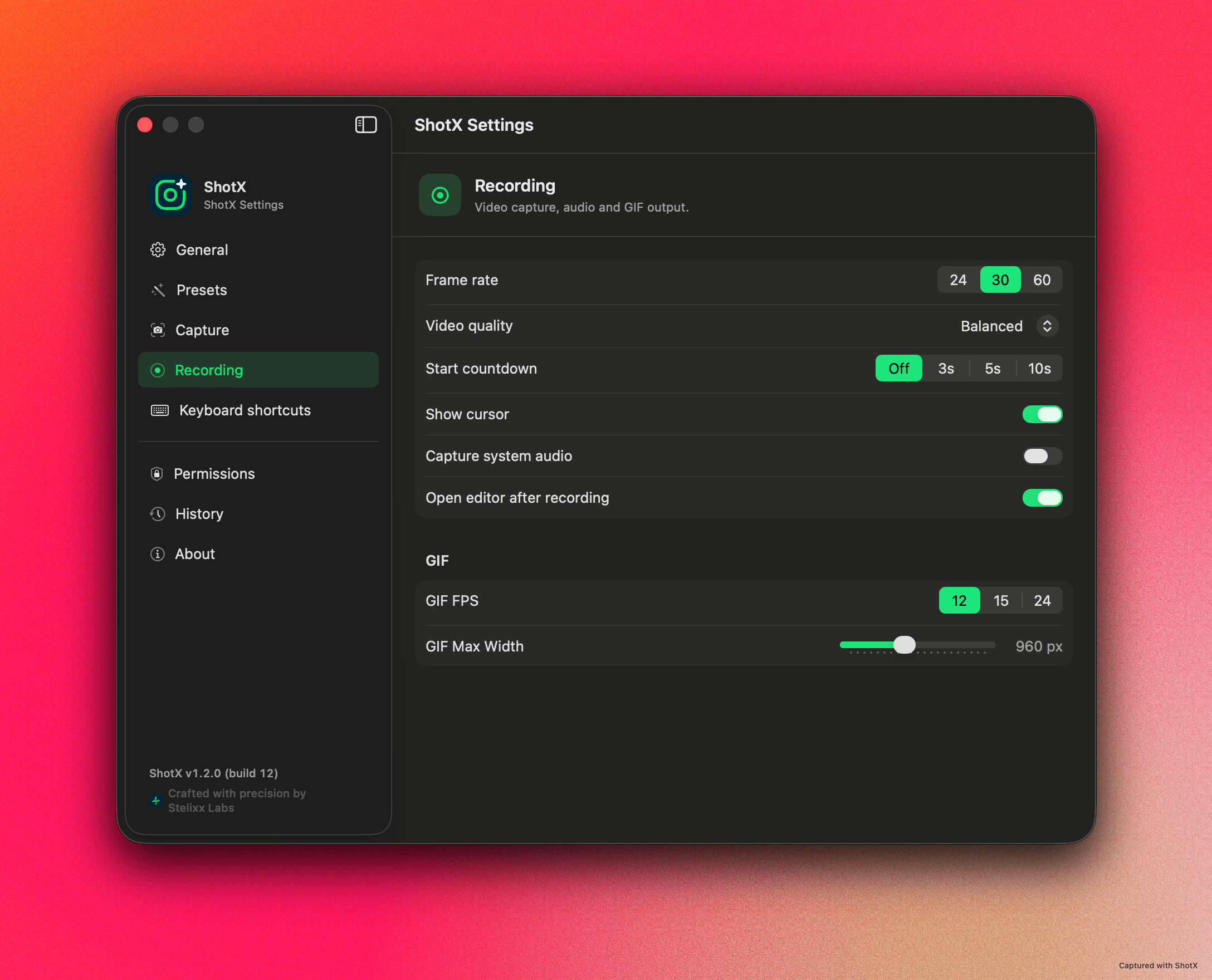
Recording & GIF Engine
Hardware-accelerated screen capture with flexible framerates and GIF slicing
- Configurable framerates: 24 FPS, 30 FPS, or ultra-smooth 60 FPS
- Optional start countdown (3s, 5s, 10s) and mouse cursor toggle
- Direct system audio capture via Apple AVFoundation
- Built-in GIF converter with adjustable FPS (12/15/24) and width slider
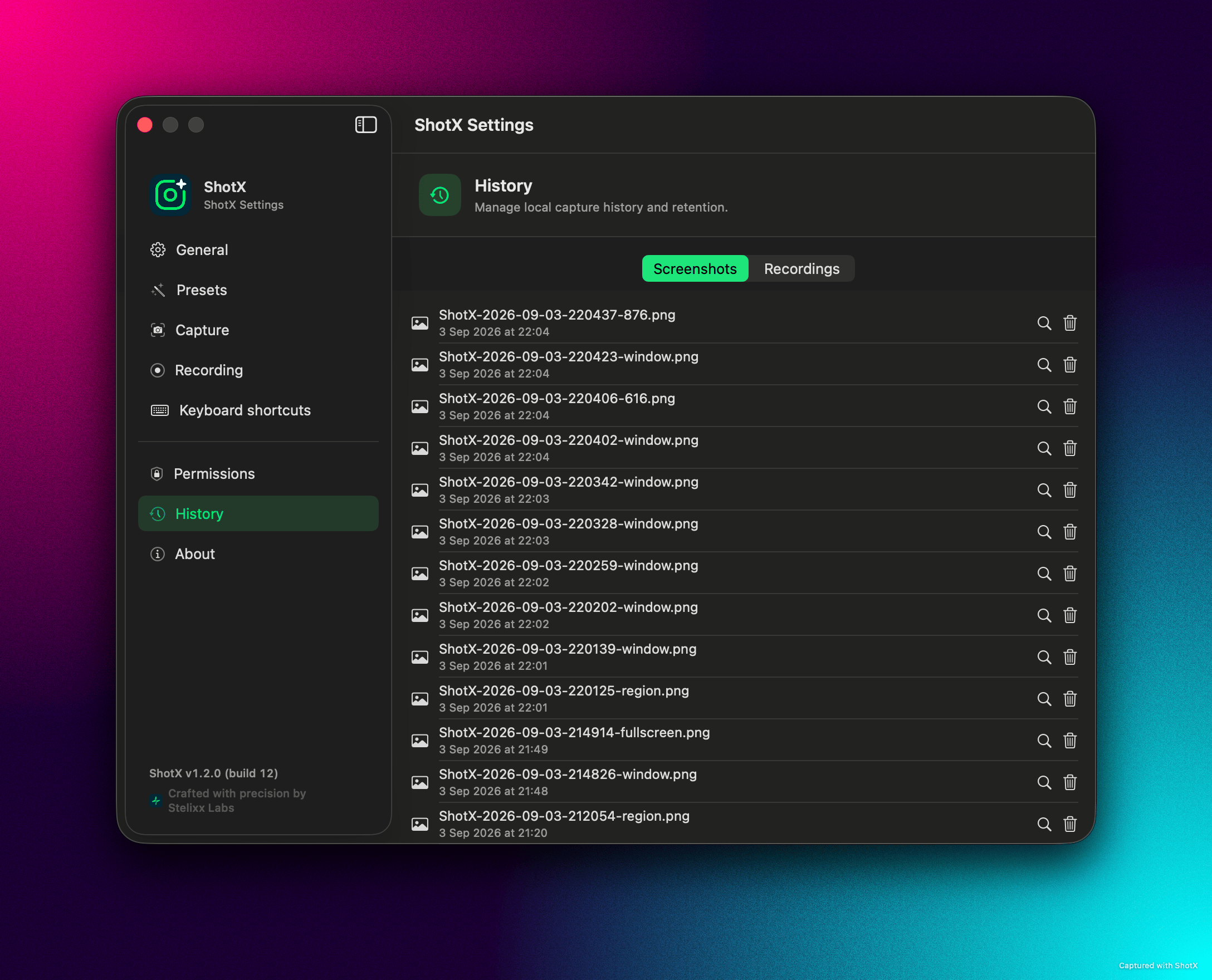
Local History Archive
Transparent on-device retention with quick search and one-click cleanup
- Categorized tabs for Screenshots and Recordings
- Fast Quick Look inspection for past captures without opening Finder
- One-click permanent deletion of sensitive or redundant files
- All archives stored locally in ~/Library/Application Support/ShotX
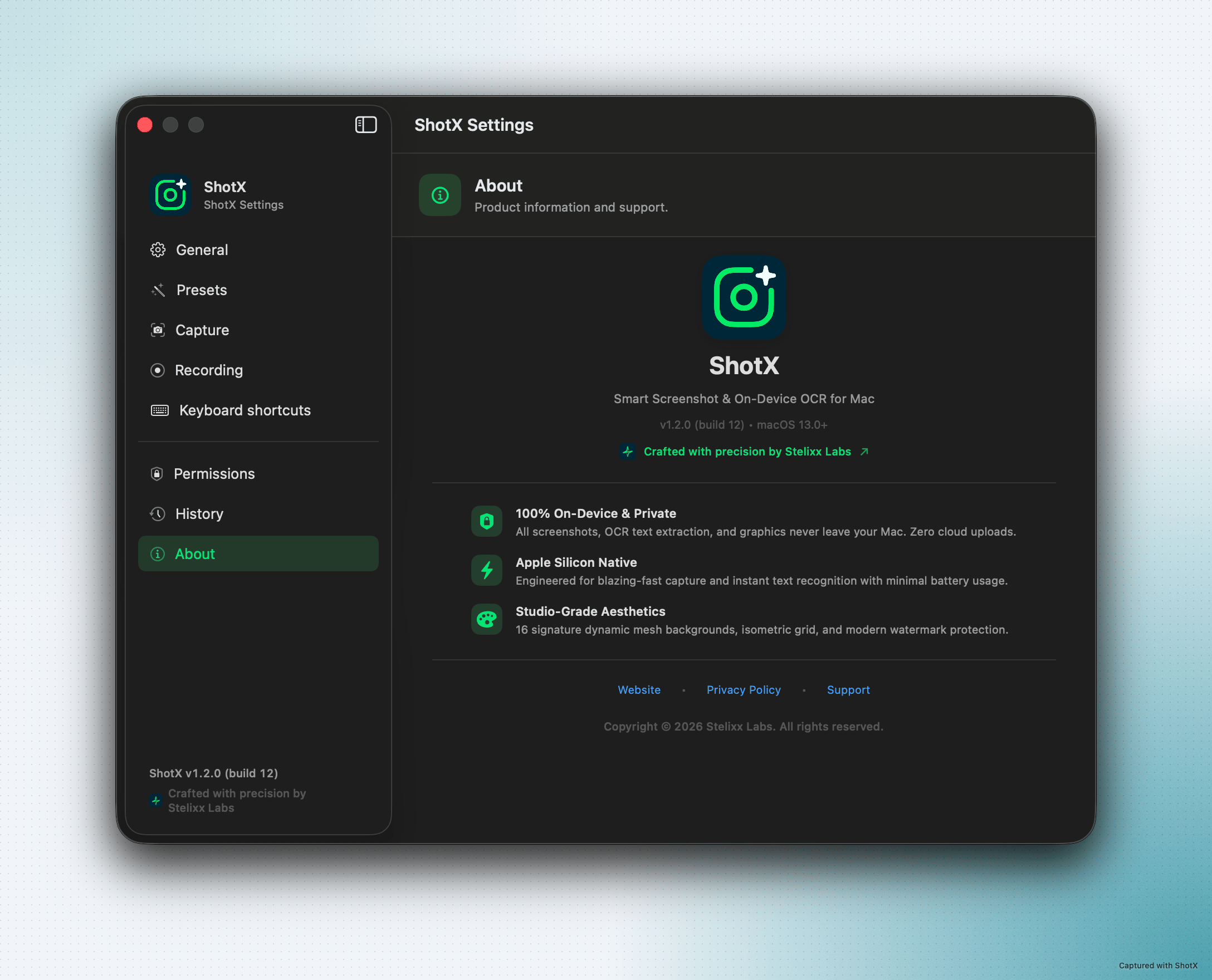
Security & Architecture Verification
Apple Silicon native architecture, macOS sandbox isolation, and lightweight footprint
- On-device processing: zero cloud latency, captures stay local on your Mac
- Apple Silicon native (M1–M4) for minimal CPU and battery consumption
- macOS App Sandbox certified with minimal required entitlements
- Official v1.2.0 build verification crafted by Stelixx Labs
macOS Menu Bar & Hotkeys
Streamlined Keyboard Shortcuts
Configured for muscle memory. Rebindable anytime in ShotX Preferences.
Capture Region
Interactive area selection with immediate canvas editor (Default)
Capture Fullscreen
Instant full-display snapshot to clipboard or local storage
Capture Window
Single-click window snapshot with natural drop shadow padding
Capture Previous
Re-captures exact previous coordinates immediately
Scrolling Capture
Stitches long web pages and code files seamlessly
Screen Recording
Fluid 60 FPS video capture with system audio & GIF output
Instant Vision OCR
Extracts unselectable text & scans QR codes from screen
Color Eyedropper
Pixel-magnifying loupe with instant hex code copy
Local History
Searchable local archive of past captures & recordings
Preferences
Customize hotkeys, formats, countdown timer & storage
Local-First Architecture
On-Device Processing & Private by Architecture
Apple Neural Engine Execution
Every screenshot, recording, and OCR extraction runs directly on your Mac's CPU and Neural Engine. Zero network transmission, zero external server tracking.
macOS App Sandbox Isolation
Strictly sandbox-compliant. Only requests Screen Recording (for captures) and Accessibility (for global hotkeys). Never accesses Camera, Contacts, or Location.
Metadata-Free Image Exports
Exported images are newly encoded and strip source device serials, EXIF metadata, and GPS coordinates to prevent accidental data exposure when publishing.
Transparent Local Directory
History files and indexes reside in ~/Library/Application Support/ShotX. You have full ownership and can inspect or delete retention data in one click.
Knowledge & FAQ
Frequently Asked Questions
Essential questions on native Swift 6 architecture, local on-device Vision OCR, privacy auto-redaction, and system compatibility.
What is ShotX and what makes it different from other macOS capture utilities?
ShotX is a native macOS screenshot, screen recording, and OCR studio built with pure Swift 6 and AppKit. Unlike Electron-based or web-wrapper capture tools, ShotX operates at sub-millisecond native speed, consumes negligible system RAM, and keeps all screen captures and OCR processing strictly local on your Mac.
Does ShotX support Apple Silicon (M1, M2, M3, M4) chips natively?
Yes. ShotX is compiled as a Universal 2 binary with full native arm64 optimization for Apple Silicon (M1, M2, M3, M4, Pro, Max, and Ultra) as well as x86_64 Intel Macs. On Apple Silicon, OCR operations leverage the Apple Neural Engine (ANE) for near-instantaneous inference.
How does Instant Vision OCR work in ShotX?
ShotX uses Apple’s native VNRecognizeTextRequest from the Vision framework. When you trigger OCR (or press the OCR shortcut), you select a screen area; the image data is passed directly to the local Neural Engine pipeline, recognizing text in milliseconds and copying it directly to your system clipboard.
Does ShotX track user activity or collect screen contents?
No. ShotX does not track personal identities, monetize user activity, or upload screen contents. Your capture pixels, OCR texts, and audio streams remain exclusively on your device. ShotX contains no third-party advertising or behavioral tracking SDKs. Standard anonymous crash reports provided through macOS may be used strictly to diagnose crashes and improve application stability.
What sensitive data types does Auto-Redact detect automatically?
ShotX’s on-device SensitiveDataDetector scans text layers using conservative regular expressions and algorithmic checks to identify: valid email addresses, phone numbers (9+ digits), credit/debit card numbers verified via the Luhn algorithm, valid IPv4 network addresses, and sensitive API secrets/tokens (OpenAI sk- keys, GitHub tokens ghp_, AWS AKIA keys, and Bearer authorization tokens).
How do I grant Screen Recording permissions on macOS?
1. Open macOS System Settings. 2. Navigate to Privacy & Security → Screen & System Audio Recording. 3. Find ShotX in the list and toggle the switch to ON. 4. If prompted by macOS, quit and relaunch ShotX to activate the permission.
Explore the Full Knowledge Base
Have specific questions about ScreenCaptureKit, URL automation schemes, hotkey customization, or Luhn algorithm card masking? We have 60+ in-depth technical answers.
Specifications
Technical Specifications
- Application Name
- ShotX — Smart Screenshot & OCR
- Bundle ID
com.stelixxlabs.shotx- Current Release
- v1.2.0 (Build 12)
- Architecture
- Native Swift 6 · AppKit · SwiftUI
- Operating System
- macOS 14.0+ (Sonoma, Sequoia or later)
- Hardware Compatibility
- Apple Silicon (M1–M4) & Intel x86_64
- Frameworks
- Apple Vision, CoreGraphics, AVFoundation
- Distribution
- Mac App Store & Direct DMG
- Support Contact
- support@stelixxlabs.com